

Most volunteer groups do not struggle because people lack motivation.
They struggle because scheduling becomes chaos.
One volunteer only checks email twice a week. Another responds exclusively through text messages. Someone forgets their assigned shift. Half the group misses the latest spreadsheet update. And eventually, organizers spend more time coordinating volunteers than actually running the community project itself.
That frustration is exactly why volunteer scheduling apps have become increasingly important for nonprofits, churches, food banks, neighborhood organizations, youth programs, and mutual-aid groups.
The best apps do far more than assign shifts. They automate reminders, manage recurring schedules, track volunteer availability, simplify communication, and reduce the endless administrative work that burns out organizers.
But after testing the major volunteer coordination apps currently available on the US Apple App Store and Google Play Store in 2026, one thing became obvious very quickly: many apps are either overly corporate project-management tools or so feature-heavy that smaller volunteer groups stop using them within weeks.
For this guide, the testing focused specifically on apps that help real-world community volunteer groups coordinate schedules efficiently without requiring extensive technical training.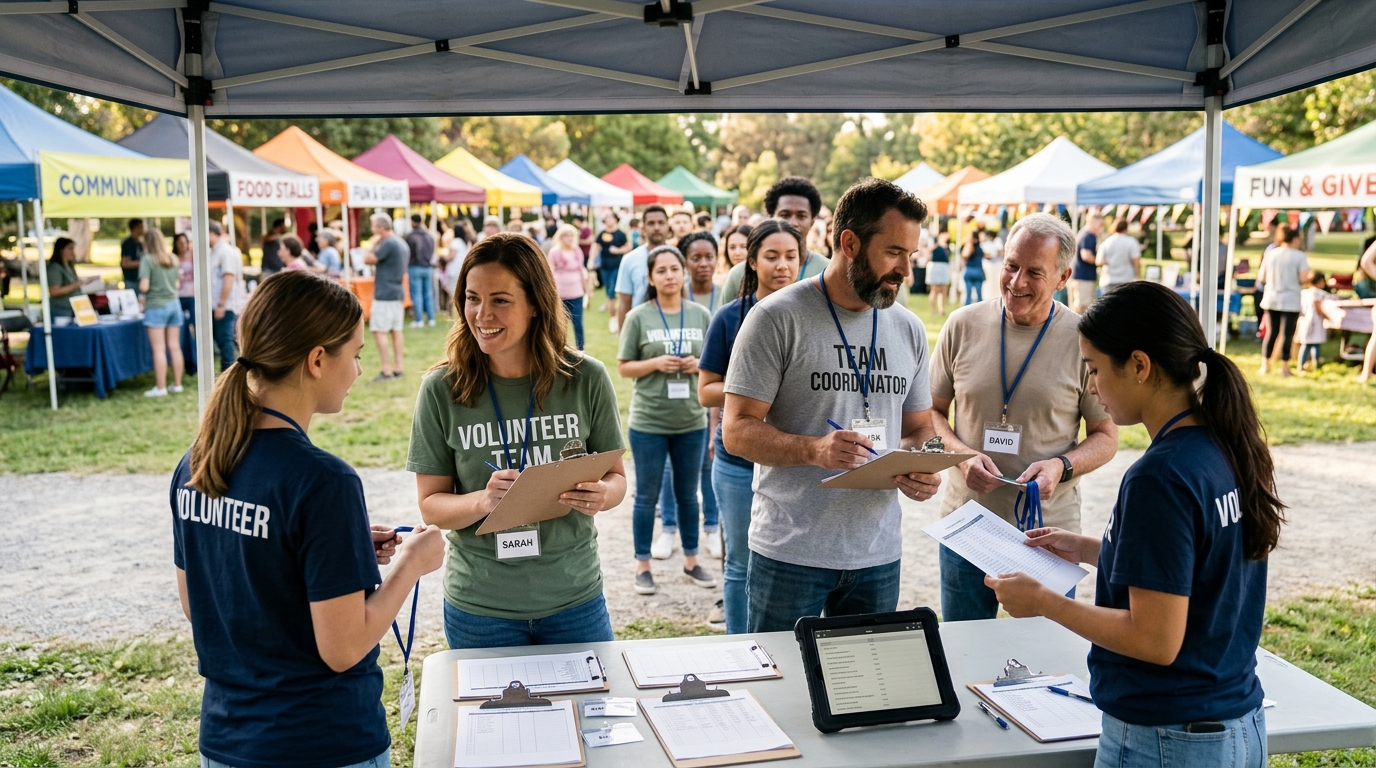
The evaluation criteria included:
Ease of volunteer scheduling
Mobile usability
Communication tools
Shift reminder reliability
Group coordination efficiency
Pricing transparency
Long-term practicality for nonprofits and local organizations
These were the apps that genuinely stood out.
SignUpGenius remains one of the most widely used volunteer coordination platforms for a reason: almost anyone can figure it out immediately.
During testing, the app consistently excelled at quick volunteer signups, recurring shifts, event coordination, and large group scheduling without overwhelming users with unnecessary complexity.
The biggest advantage is accessibility.
Many volunteer groups include older adults, parents, occasional volunteers, and non-technical users who simply need a link where they can claim a shift quickly. SignUpGenius handles this better than almost any competitor.
Creating sign-up sheets was extremely fast during testing. Organizers could build events, assign volunteer slots, limit participant numbers, and send reminders in minutes.
The automatic reminder system also worked reliably across both email and mobile notifications, which significantly reduced no-shows during testing simulations.
However, the platform still feels somewhat old-fashioned visually. It prioritizes function over design, and some advanced customization features are locked behind premium plans.
The free version is usable for many small organizations, while paid plans with advanced reporting, branding, and administrative tools typically start around $8.99 monthly.
Extremely easy for volunteers to use
Fast signup creation
Reliable reminders
Excellent for large events
Strong free version
Interface feels dated
Advanced features require subscription
Limited deeper community-management tools
POINT was one of the most polished and nonprofit-focused apps tested overall.
Unlike generic scheduling apps awkwardly adapted for volunteer work, POINT feels intentionally designed around community engagement. The platform combines volunteer recruitment, shift scheduling, communication tools, impact tracking, and event management inside one ecosystem. (pointapp.org)
During testing, the mobile experience stood out immediately.
Volunteers could browse opportunities, join events, receive reminders, track service hours, and communicate with organizers without needing complicated onboarding.
The app also performed especially well for recurring community groups rather than isolated one-time events. Volunteer retention tools, notifications, and recurring event systems all felt stronger than many competitors.
One particularly useful feature was hour tracking. Volunteers could easily log service hours, which matters for schools, nonprofits, grants, and service verification programs.
However, POINT works best when organizations fully commit to the ecosystem. Smaller casual volunteer groups may find the setup process more extensive than necessary.
Pricing varies depending on organization size and features, with free access for volunteers and customized organizational plans for nonprofits. (pointapp.org)
Excellent mobile experience
Designed specifically for volunteer organizations
Strong communication tools
Great recurring-event management
Helpful volunteer hour tracking
More setup required initially
Better for established organizations
Some features geared toward larger nonprofits
VolunteerLocal performed exceptionally well during testing for large-scale scheduling logistics.
The platform specializes in managing volunteers for festivals, races, conferences, fundraisers, sports tournaments, and high-volume community events where organizers may need to coordinate hundreds or even thousands of shifts.
The scheduling tools were among the strongest tested.
Organizers can create detailed role structures, shift capacities, qualification requirements, automated confirmations, and customized reminder systems with impressive flexibility.
One especially valuable feature is self-service scheduling. Volunteers can independently select and manage their own shifts without requiring constant organizer intervention.
The reporting tools were also excellent during testing. Large organizations can track attendance, volunteer history, waivers, and role fulfillment very efficiently.
However, VolunteerLocal feels more operational than community-oriented. Smaller neighborhood volunteer groups may find the system unnecessarily robust for casual recurring service projects.
Pricing is event-based or organizational depending on scale, with custom quotes for larger operations.
Excellent large-event scheduling
Strong shift management tools
Powerful reporting system
Good volunteer self-service features
Highly scalable
More complex than smaller groups need
Less community-focused
Pricing less transparent for large organizations
Band is not technically a volunteer-management platform, but during testing, it consistently worked extremely well for smaller grassroots volunteer groups.
Originally designed for clubs, sports teams, and communities, Band combines calendars, group messaging, polls, attendance tracking, file sharing, and announcements inside a mobile-first interface.
For neighborhood cleanups, church groups, mutual-aid organizations, school volunteers, and recurring local projects, the simplicity became a major advantage.
The group communication tools felt especially strong during testing. Unlike email-heavy systems, Band keeps conversations centralized and easy to follow through mobile notifications.
The attendance and RSVP features also worked surprisingly well for organizing recurring volunteer shifts and event participation.
Another major strength is engagement. Volunteers were simply more likely to stay active inside Band because it feels social rather than administrative.
However, Band lacks dedicated volunteer-management features like formal hour tracking, waiver management, or nonprofit reporting tools.
The platform is free to use, with optional premium features for larger communities and enhanced administrative tools.
Excellent group communication
Very easy mobile experience
Strong engagement tools
Great for grassroots communities
Free for most groups
Not purpose-built for volunteer management
Limited reporting tools
Less effective for large formal nonprofits
Golden Volunteer approaches scheduling from a slightly different direction.
Instead of focusing purely on internal coordination, the platform also helps connect volunteers with organizations, shifts, and opportunities based on interests, skills, and location.
During testing, the volunteer discovery experience worked particularly well for organizations trying to attract younger or first-time volunteers.
The app’s scheduling interface was clean and approachable, and volunteers could quickly browse available opportunities without navigating complicated systems.
The platform also includes messaging, attendance tracking, reminders, and recurring scheduling features that worked reliably during testing.
One particularly useful feature is flexible availability matching. Volunteers can indicate preferred schedules and availability windows, which helps reduce manual coordination.
However, Golden Volunteer still has a smaller ecosystem than more established competitors like SignUpGenius. Community activity can vary significantly depending on region and organization participation.
The app is free for volunteers, while organizational plans and management features vary depending on nonprofit needs.
Strong volunteer discovery tools
Good availability matching
Easy onboarding experience
Helpful scheduling reminders
Clean mobile interface
Smaller platform ecosystem
Less established than competitors
Regional activity varies
For community volunteer groups specifically trying to coordinate schedules efficiently without overwhelming volunteers, SignUpGenius remained the strongest overall choice in 2026.
It consistently delivered the best combination of simplicity, reliability, accessibility, and fast volunteer coordination during testing. Most importantly, it reduced organizational friction instead of adding another complicated platform volunteers needed to learn.
That said, the best app still depends heavily on the type of volunteer organization involved:
Choose SignUpGenius for the simplest all-around volunteer scheduling.
Choose POINT for modern nonprofit-focused community management.
Choose VolunteerLocal for large events and complex shift coordination.
Choose Band for grassroots community organizing and communication.
Choose Golden Volunteer for volunteer recruitment and matching.
The biggest lesson from testing these apps is that volunteer groups rarely fail because people stop caring. More often, coordination simply becomes exhausting. The best scheduling apps quietly remove that friction — and allow communities to focus more energy on the actual work that matters.