

Living aboard full-time sounds romantic until you're staring at an unfamiliar channel at sunset, wondering whether there's enough water under the keel—or whether the quiet anchorage ahead even allows overnight stays.
Life on the water runs on a different set of rules. On land, a wrong turn is usually an inconvenience. On a boat, poor planning can leave you grounded, stuck waiting for a bridge opening, or waking up to a knock from local authorities asking why you're anchored somewhere you shouldn't be.
That's why experienced liveaboards obsess over logistics. Not the glamorous stuff—the practical stuff. Water depth. Bridge clearances. Mooring availability. Local anchoring rules. The details that determine whether a day ends smoothly or turns into a headache.
We looked at some of the most popular boating apps available for U.S. waterways and focused on what matters to full-time cruisers: reliable navigation, accurate local information, and tools that help you make smart decisions before problems appear on the horizon.
Available on: iOS and Android
Pricing: Free trial, then annual regional subscriptions (typically $24.99–$49.99 per year)
Ask a group of long-distance cruisers what app they trust most for navigation, and Navionics will almost certainly come up.
The reason is simple: detail.
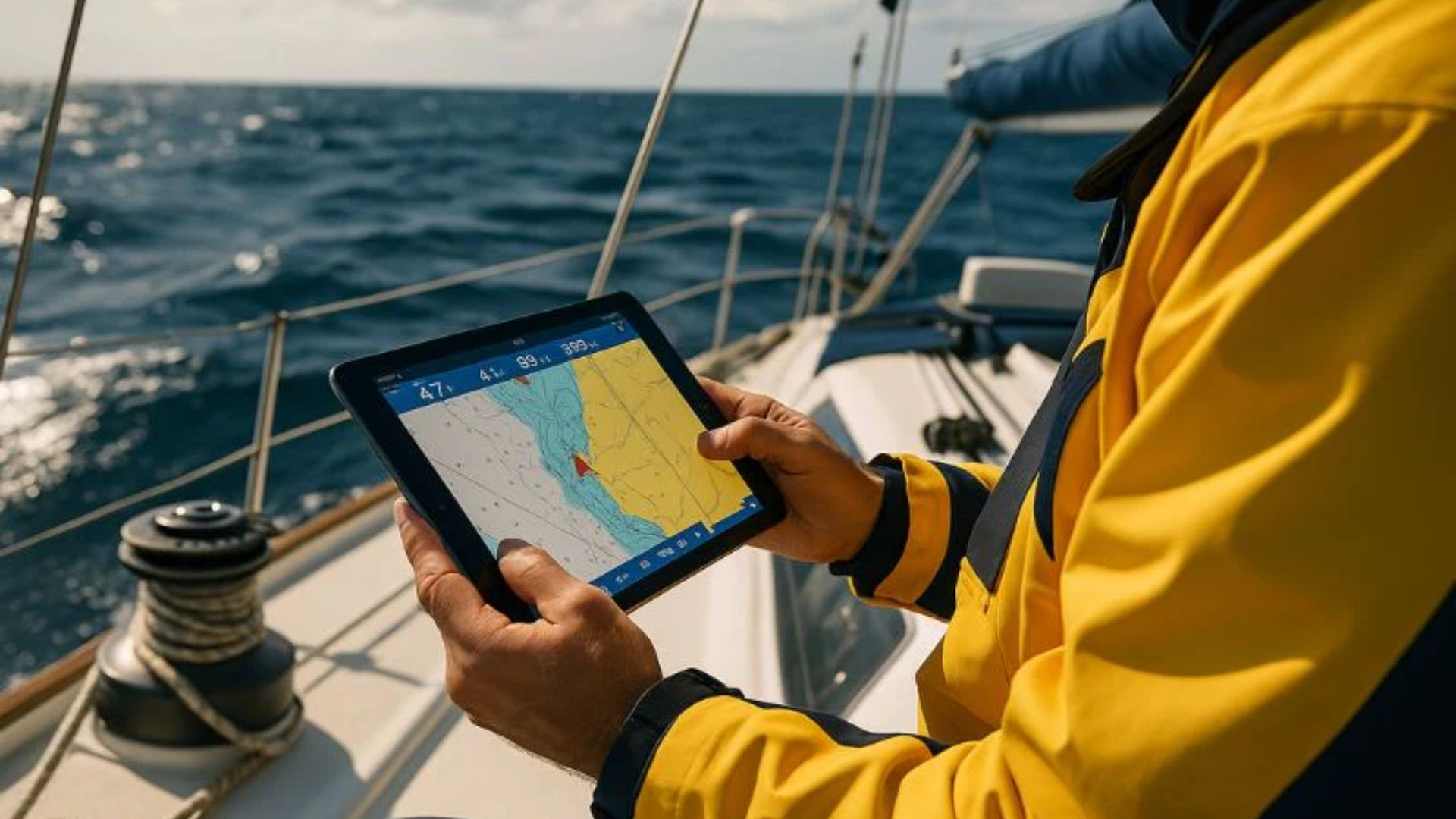
While many navigation apps provide basic chart information, Navionics drills down much deeper. Its SonarChart HD layer offers highly detailed bottom contours, helping skippers spot shallow areas long before they become a problem. For vessels drawing five feet or more, that's not just useful—it's critical.
The standout feature is Auto Guidance+. Enter your boat's dimensions, and the software automatically suggests routes that account for water depth, charted hazards, and navigational constraints. It's not a substitute for good seamanship, but it can dramatically reduce route-planning workload.
Another major advantage? Offline reliability. Once charts are downloaded, you can keep navigating even when cell coverage disappears.
Pros
Extremely detailed chart data with frequent updates
Auto-routing designed around vessel specifications
Offline performance that remains dependable in remote areas
AIS integration available through compatible onboard systems
Cons
The sheer amount of information can feel overwhelming on a phone screen
Advanced charting and routing require an ongoing subscription
Available on: iOS and Android
Pricing: Free app; premium cruising guides and regional content sold separately
If Navionics helps you move the boat, Waterway Guide helps you manage everything around the trip.
Long-term cruisers quickly learn that safe navigation is only part of the equation. You also need to know where to stop, what restrictions apply, whether a bridge is operating normally, and what surprises await in the next harbor.
That's where Waterway Guide shines.
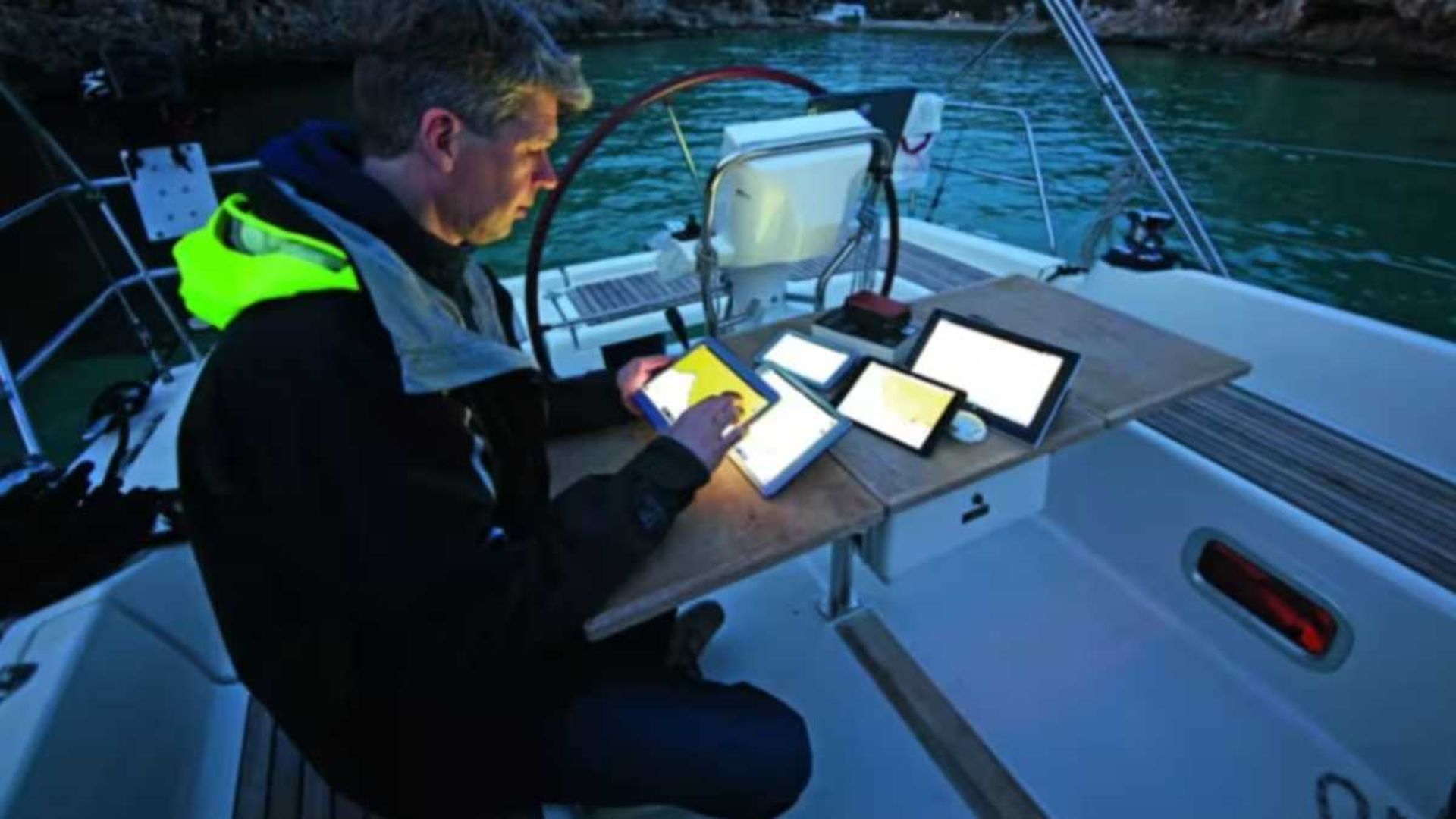
Its database contains an enormous amount of location-specific information gathered and verified by boaters, editors, and local contributors. Need bridge clearance details? Looking for free docks? Wondering whether a particular municipality restricts overnight anchoring? Chances are you'll find the answer here.
For anyone traveling the Intracoastal Waterway or hopping between coastal destinations, the app becomes less of a reference tool and more of a daily companion.
Pros
Extensive database of marinas, bridges, locks, anchorages, and services
Verified information reduces the risk of relying on outdated reports
Excellent bridge and clearance data
Useful Coast Guard alerts and navigational notices
Cons
The interface feels functional rather than modern
Some of the best offline resources require separate guide purchases
Available on: iOS and Android
Pricing: Free core features with optional premium upgrades
Not everyone wants to spend hours learning a complex chartplotter interface.
Argo has gained a loyal following because it makes route planning feel approachable without sacrificing important navigation features. It combines NOAA and U.S. Army Corps of Engineers survey data with a clean interface that works well on both phones and tablets.
Planning a passage is straightforward. The app calculates routes, estimates arrival times, tracks progress, and even provides fuel-consumption estimates for many vessels.
What many liveaboards appreciate most is the ability to quickly distinguish between marinas, mooring fields, anchorages, and other stopping points without digging through layers of menus.
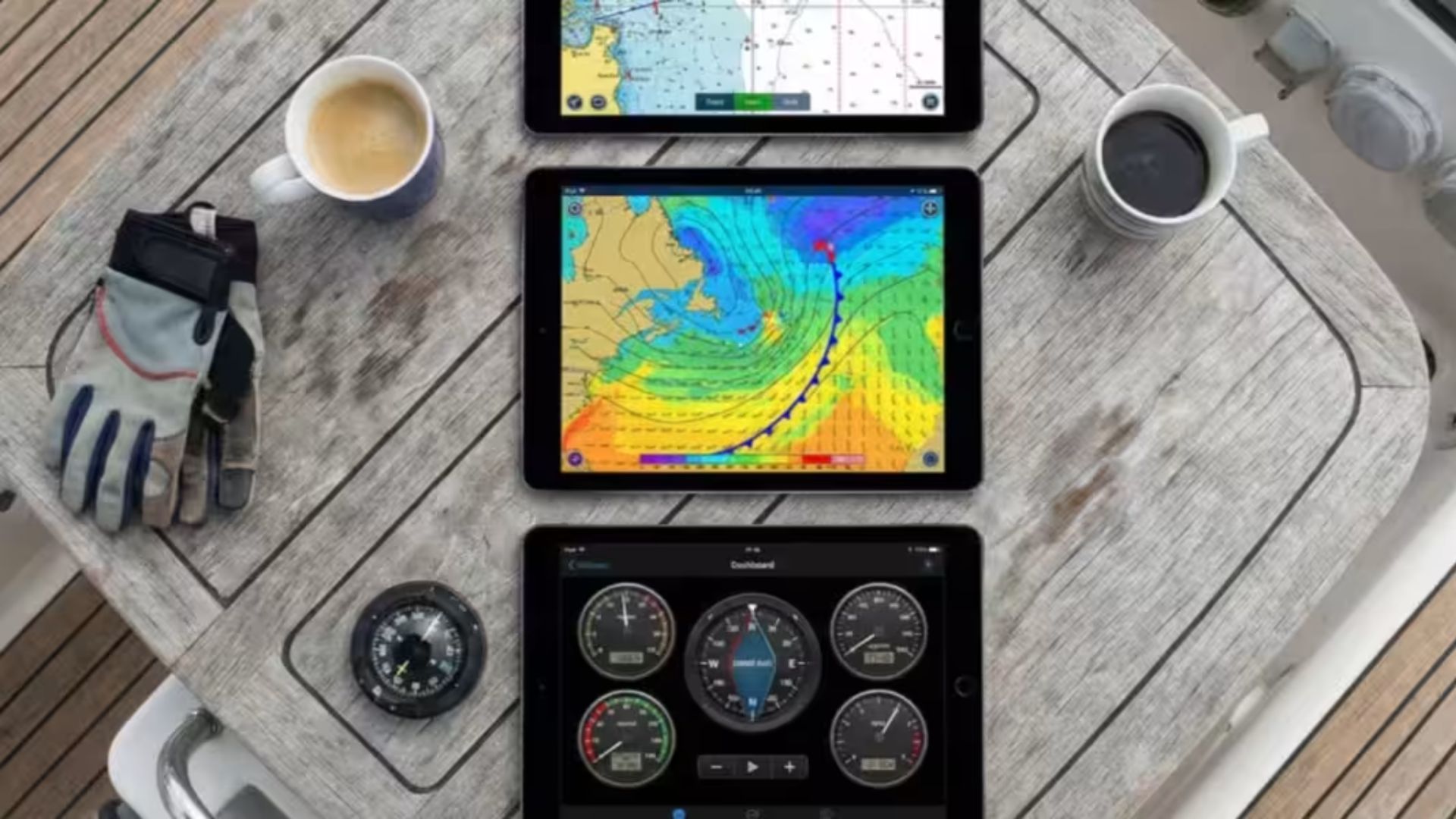
Weather integration is another strong point. Wind forecasts, wave conditions, tides, and marine weather overlays appear directly along your planned route, making trip planning much easier.
Pros
Easy-to-use interface with a minimal learning curve
Free navigation features are surprisingly capable
Cross-device synchronization works smoothly
Strong marine weather forecasting tools
Cons
Bottom-contour detail isn't as refined as some premium charting platforms
Remote location updates depend heavily on community reporting
For full-time liveaboards, the biggest mistake is assuming one app can handle everything.
Navigation, anchoring, bridge planning, weather, and local regulations are all separate pieces of the puzzle. Relying on a single source creates blind spots.
That said, if you had room for only one app aboard, Navionics would be the strongest standalone choice. Accurate depth information and dependable route planning solve one of the most important challenges on the water: keeping the boat floating where it should be.
Still, the most practical setup isn't choosing between apps—it's combining them.
Many experienced cruisers use Navionics for navigation and Waterway Guide for operational planning. One helps you move safely from point A to point B. The other helps answer the questions that charts alone can't: Where can I stay? What restrictions apply? Is that bridge operating normally? Can I legally anchor there tonight?
When your home travels with you, those answers matter just as much as the route itself.