

Ask any military spouse about PCS season, and you'll probably get the same reaction: a laugh, a sigh, and maybe a thousand-yard stare.
Moving isn't just packing boxes and forwarding mail. A Permanent Change of Station can feel like running a full-scale logistics operation. One day you're scheduling household goods pickups. The next, you're transferring medical records, researching schools, coordinating vehicle shipments, updating addresses, and trying to remember which important document ended up in which folder.
And somehow, all of this happens on a deadline.
The reality is that successful PCS moves aren't powered by motivation. They're powered by organization.
When there are dozens of moving parts—and one missed task can create weeks of headaches—you need systems that keep everything visible, searchable, and easy to manage. Not endless forum debates. Not moving horror stories on social media. Just tools that help you stay on top of what needs to happen next.
A quick note before diving in: these apps are excellent for organization and planning, but they aren't substitutes for official military resources. If you're dealing with housing disputes, reimbursement issues, legal questions, or PCS-related claims, your installation's relocation assistance office should always be your first stop.
With that in mind, here are three apps that can make a military move significantly easier.
Available on: iOS and Android
Cost: Free
When you're moving to a new duty station, reliable information is worth its weight in gold.
That's where My Military OneSource comes in.
Managed by the Department of Defense, the app serves as a central access point for military support services, relocation resources, installation information, and verified contacts.
One of the most stressful parts of a PCS is arriving somewhere unfamiliar and wondering who you're supposed to call first.
Housing office?
School liaison?
Transportation office?
Newcomer's program?
Instead of hunting through websites or outdated PDFs, My Military OneSource helps connect you directly to official information tied to your next installation.
Type in your destination, and you'll find phone numbers, office hours, relocation resources, and installation-specific guidance—all from verified military sources.
It's not flashy. That's actually part of its appeal.
The app focuses on getting you to the right information quickly without burying you under advertisements or distractions.
Completely free
Official Department of Defense resource
Access to installation-specific information and contacts
Direct connection to Military OneSource consultants
No advertisements or premium upgrades
Finding specific relocation tools can require a bit of menu navigation
Search results occasionally surface broader resources when you're looking for highly specific local information

Available on: iOS and Android
Cost: Free plan available; premium features optional
If My Military OneSource tells you what needs to happen, Todoist helps make sure it actually gets done.
At first glance, it's simply a task manager. In practice, it's one of the best tools available for breaking an overwhelming PCS into manageable pieces.
Military moves create hundreds of small tasks.
Schedule movers.
Transfer prescriptions.
Notify schools.
Reserve temporary lodging.
Update insurance.
Confirm vehicle shipment.
The list never seems to end.
Todoist shines because it lets you organize all of those responsibilities into structured timelines. You can build projects around every phase of the move and divide them into smaller tasks that feel far less intimidating.
Many spouses create categories such as:
90 Days Out
60 Days Out
30 Days Out
Moving Week
Arrival and Check-In
Instead of staring at one giant to-do list, you're working through clear milestones.
The app's natural-language scheduling is another time saver. Type something like, "Call transportation office next Tuesday at 9 a.m.," and Todoist automatically creates the reminder.
Less setup. Less friction.
Excellent for organizing complex moving timelines
Syncs seamlessly across phones, tablets, and desktops
Easy collaboration between spouses
Clean interface with zero social-media distractions
Flexible enough to adapt to any PCS situation
Some advanced features require a paid subscription
Initial setup takes a little effort since you're building your own system
Available on: iOS and Android
Cost: Free plan available; premium plans start at higher inventory levels
Every military family eventually learns the same lesson:
Take inventory before the movers arrive.
Not after.
Sortly was built for exactly this purpose.
The app turns your household belongings into a searchable digital inventory.
Before packing day, you can photograph valuable items, record serial numbers, save receipts, and organize everything into virtual boxes that mirror the actual boxes in your home.
Imagine arriving at your new duty station and realizing a piece of furniture is damaged.
Or discovering a box never made it off the truck.
Instead of relying on memory, you have photos, timestamps, descriptions, and documentation ready to go.
That's invaluable when filing claims or verifying lost property.
One feature many military families love is the ability to create QR codes or barcodes for moving boxes. Scan the label, and the contents appear instantly on your phone.
No more opening ten boxes to find one coffee maker.
Excellent for documenting household goods
Photo-based inventory management
QR code and barcode labeling options
Helpful for insurance and claims documentation
Easy export of inventory data
The free plan is too limited for most full-household inventories
Doesn't handle moving timelines, reminders, or administrative tasks
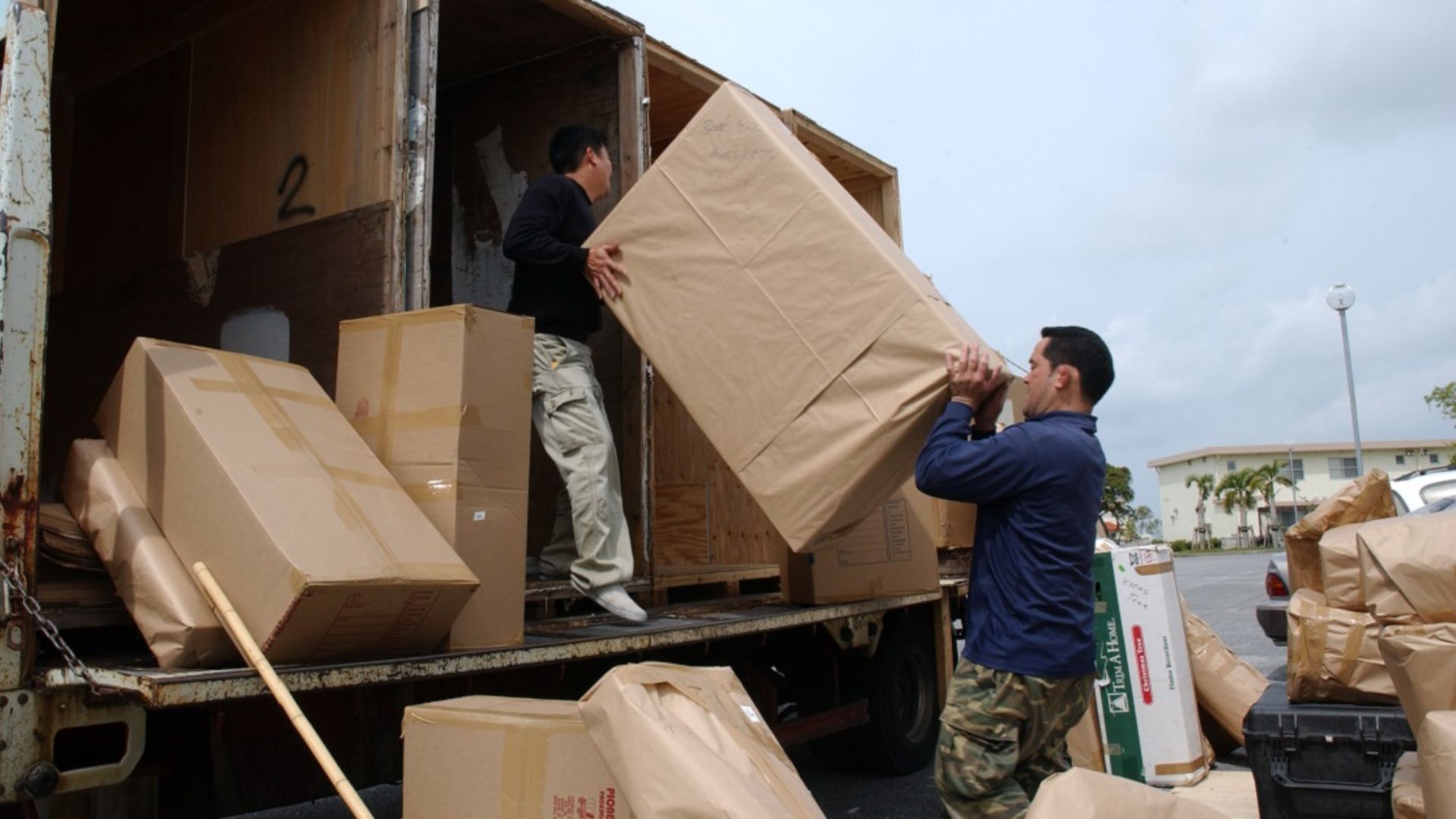
Every PCS comes with two separate challenges.
First, there's the paperwork and deadlines.
Then there are the actual belongings you're trying to move across the country—or sometimes across the world.
For managing schedules, deadlines, appointments, and administrative tasks, Todoist is the standout choice. It transforms a mountain of responsibilities into a clear, manageable action plan and helps ensure important deadlines don't slip through the cracks.
For tracking household goods, Sortly fills a completely different but equally important role.
And throughout the entire process, My Military OneSource remains one of the best places to find verified information about your next installation.
Used together, these apps create something every military spouse can appreciate during PCS season: a little more clarity, a little less chaos, and a much better chance of arriving at your next duty station with your sanity intact.