

There is nothing quite like staring at a patchy, blank square of backyard and trying to imagine a professional-grade fire pit or an outdoor kitchen that actually works with your space. Maybe you're picturing a stone hearth for crisp autumn evenings, a pizza oven for family gatherings, or a fully equipped outdoor cooking area for summer barbecues.
The challenge is that backyard projects often look much simpler in your imagination than they do in reality. A fire pit that seemed perfectly placed on paper can end up disrupting traffic flow across the patio. An outdoor kitchen may require more clearance, utility access, or storage than you originally expected. Even something as simple as choosing the wrong location can create long-term problems with smoke, noise, or maintenance.
The good news is that homeowners no longer have to rely solely on sketches, measuring tape, and guesswork. Today's landscape design apps can help you visualize projects in realistic detail, experiment with multiple layouts, and identify potential issues before spending thousands of dollars on materials and labor.
Over the past several months, we tested the leading landscape and outdoor design tools available on both iOS and Android, focusing on apps that offer realistic visualization, practical planning features, and enough flexibility for projects ranging from simple fire pits to fully customized outdoor kitchens. Here are the tools that impressed us most in 2026.
Pricing: Free (Basic version); Pro subscription required for full library/ad-free use
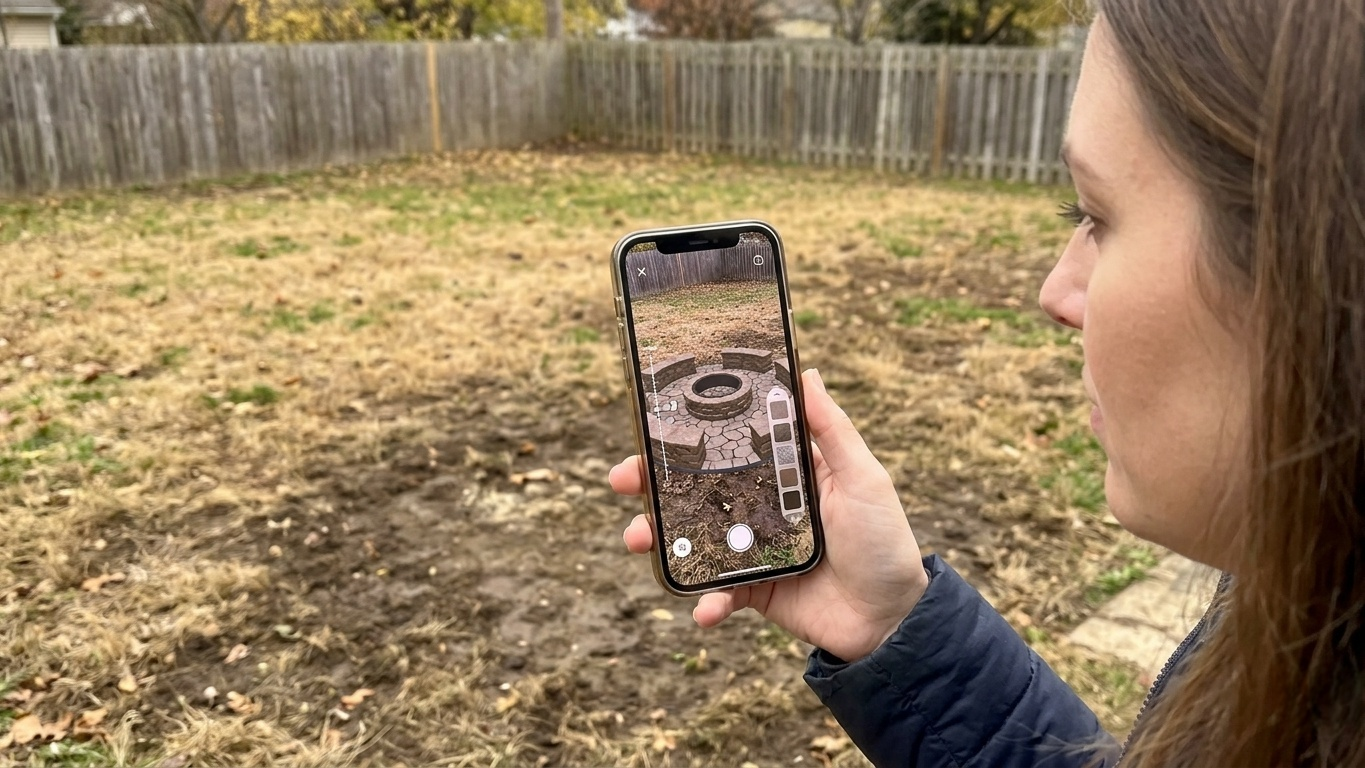
iScape immediately stood out for its "mobile-first" approach. Instead of requiring users to build complex architectural models, the app lets you take a photo of your actual backyard and overlay digital elements directly onto it.
The Augmented Reality (AR) feature is the star of the show. You can drop 3D models of fire pits, outdoor furniture, and grills into your space in real-time. It’s an incredibly intuitive way to test scale, placement, and flow before committing to expensive materials.
Pros:
Best-in-class AR visualization overlays designs onto real photos.
Large library of brand-name hardscape products.
Extremely beginner-friendly—no 3D modeling skills required.
Cons:
Advanced features and the full object library are locked behind a Pro subscription.
Android functionality can feel slightly less polished than the iOS version.
Pricing: Free (Limited); Premium (~$60/year); Professional (~$423/year)
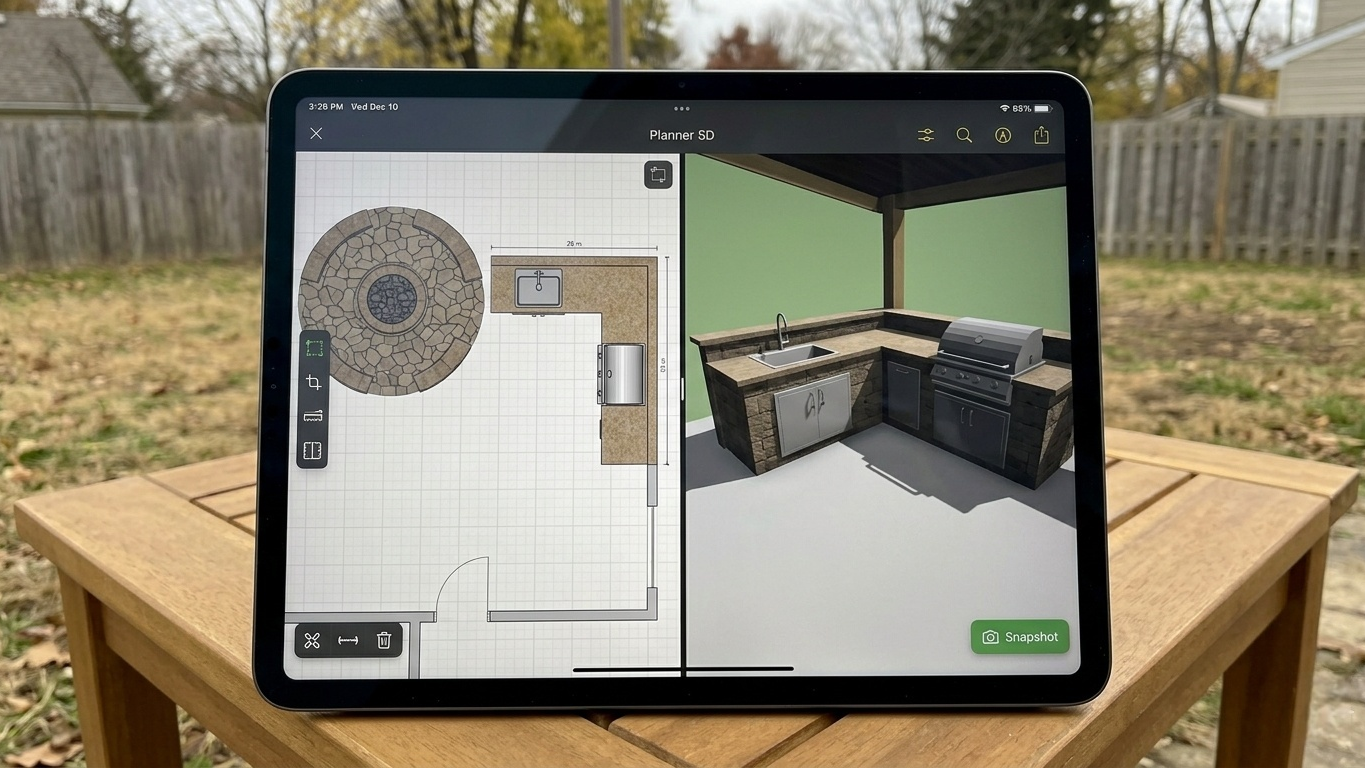
If your project goes beyond a simple fire pit and into full outdoor kitchen architecture, Planner 5D is the app to use. It combines precise 2D floor plans with immersive 3D walkthroughs.
We found the "Snapshot" feature particularly useful—it renders realistic lighting, shadows, and textures to show how a fireplace or pergola will look at different times of day. This is critical for seeing how structures impact both sunlight and shade in your yard.
Pros:
Powerful 2D/3D toggle lets you switch between blueprinting and immersive viewing.
Massive catalog of over 8,000 items, including outdoor décor.
Cross-platform sync works seamlessly between mobile and desktop.
Cons:
Free tier is mostly a trial; most serious features require a subscription.
Some users report confusion over billing and subscription renewals.
Pricing: Free to try; premium subscription for full library
Neighborbrite replaces the older, sometimes unreliable Home Outside app. It’s perfect for homeowners who want multiple backyard concepts before committing to a single design.
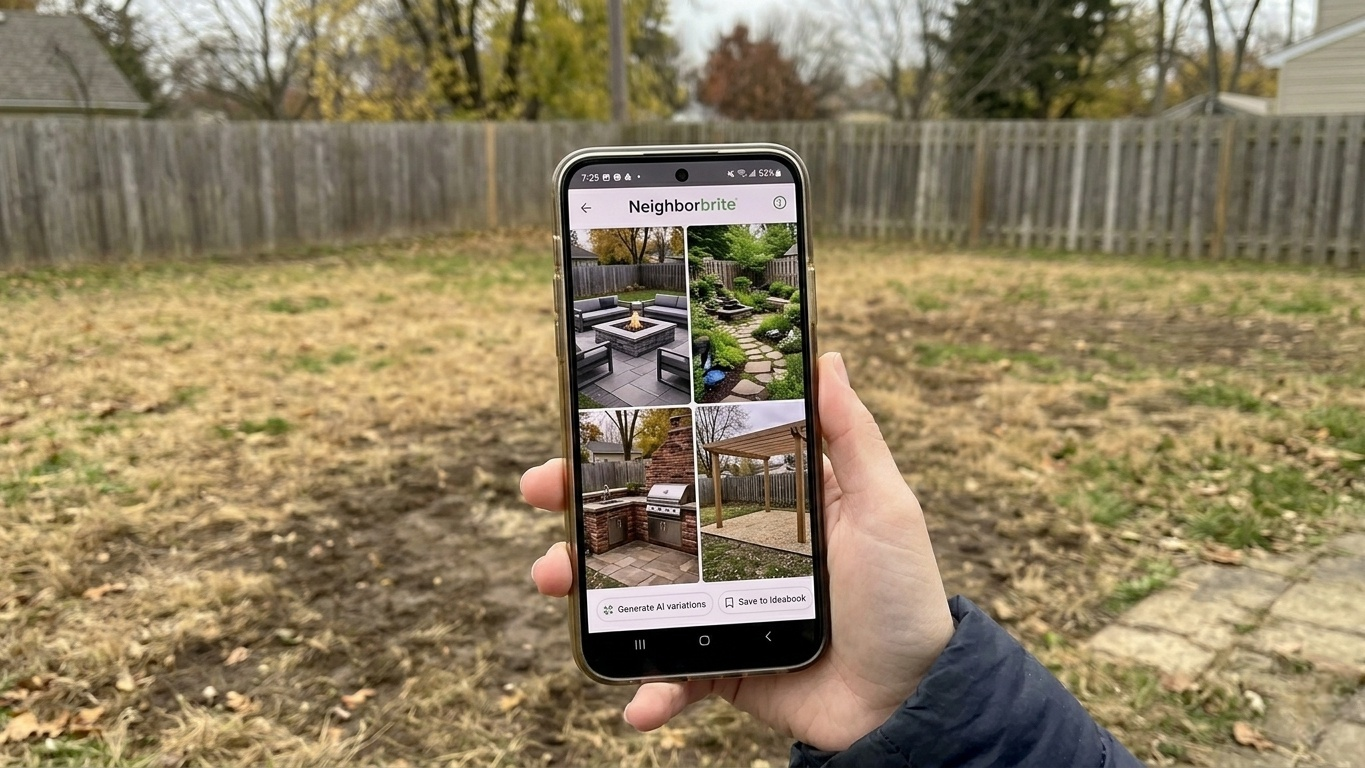
Neighborbrite uses AI to generate full outdoor design concepts from a simple photo of your yard. When we tested it, the app created several variations within minutes—from modern entertaining spaces to garden-focused retreats. For fire pits or outdoor kitchens, it helps you visualize circulation, seating areas, pathways, and the relationship between built features and greenery.
Pros:
AI-generated backyard concepts from real photos.
Beginner-friendly interface and fast concept generation.
Excellent for exploring multiple design styles quickly.
Cons:
Not suitable for precise measurements or construction-ready plans.
Advanced customization is limited compared to Planner 5D.
Pricing: Free (Consumer features); Pro tools require subscription
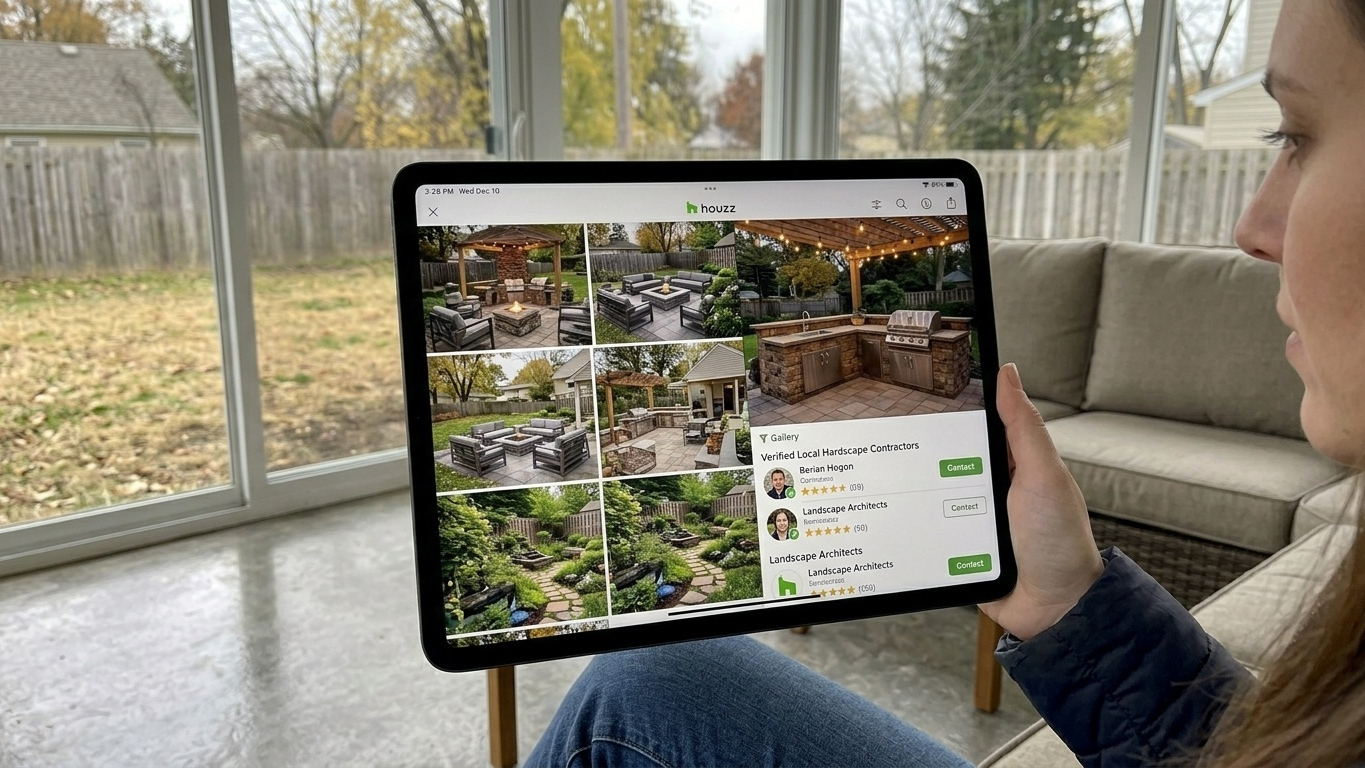
While not a CAD tool, Houzz is invaluable for gathering inspiration. Its massive library of photos from professional projects helps you see what’s possible before you start designing.
Houzz excels at combining inspiration with practical insight. By building "Ideabooks" of images that match your backyard’s size and style, you can communicate your vision clearly to contractors. Many photos include dimensions and material details, which makes it easier to plan realistic projects.
Pros:
Largest database of professional home design imagery globally.
Great for sourcing contractors once your plan is ready.
Community feedback and advice can refine your ideas.
Cons:
Not a true design tool—you can’t generate new 3D models or blueprints.
Mobile app can feel a bit cluttered compared to specialized design software.
Backyard projects such as outdoor kitchens, fire pits, pergolas, and entertainment areas are significant investments. Unlike indoor decorating mistakes that can often be fixed with a quick furniture rearrangement, outdoor construction projects are much harder—and far more expensive—to correct once the work has begun.
That's why visualization and planning are so important.
If your primary goal is to see how a feature will actually look in your yard before construction begins, iScape remains our favorite option thanks to its intuitive AR tools and photo-based workflow. It delivers the fastest path from imagination to realistic visualization.
For homeowners who want to create detailed layouts, experiment with dimensions, and share plans with contractors, Planner 5D provides the most comprehensive design experience. Its combination of 2D planning and immersive 3D rendering makes it particularly valuable for larger projects that involve multiple structures or seating areas.
Meanwhile, Neighborbrite is an excellent choice during the early planning stage. Its AI-generated concepts can spark ideas you may not have considered and help you compare different styles before investing significant time or money into a final design.
Finally, Houzz remains one of the best resources available for collecting inspiration, researching materials, and connecting with professionals who can bring your plans to life.
Start with Houzz to gather inspiration and identify the features you want.
Use Neighborbrite to generate multiple design concepts based on photos of your actual backyard.
Use iScape to test the placement and scale of major features in real-world conditions.
Use Planner 5D to finalize dimensions, layouts, and design details before meeting with contractors.
By combining these tools, you can move confidently from inspiration to execution while avoiding many of the costly mistakes that commonly derail outdoor living projects. Whether you're building a simple fire pit or a fully customized outdoor kitchen, a few hours spent planning with the right app can save weeks of frustration—and potentially thousands of dollars—once construction begins.