

Moving is stressful under the best circumstances.
Moving to a high-cost city like New York, San Francisco, Boston, or Seattle? That's a different challenge altogether.
Suddenly, you're juggling apartment applications, broker communications, lease deadlines, moving schedules, parking permits, utility transfers, security deposits, and a seemingly endless stream of paperwork. Miss a deadline or overlook a detail, and the consequences can be expensive. Sometimes very expensive.
The truth is, relocating to a major metropolitan area isn't just a move—it's a project. One with dozens of moving parts and very little room for error.
That's why organization becomes your greatest asset.
The right apps won't magically make moving enjoyable, but they can prevent important details from slipping through the cracks when life gets hectic.
Before we get started, a quick note: these tools are designed to help organize your relocation process. They're not substitutes for professional legal, tax, or real estate advice. If you're navigating lease negotiations, tenant rights issues, or state-specific tax questions, it's always worth consulting a qualified professional.
With that out of the way, here are three apps that can make a complicated move feel a lot more manageable.
Available on: iOS and Android
Pricing: Free plan available; Pro plans unlock additional features
If there's one app that consistently earns a spot in relocation toolkits, it's Todoist.
At its core, it's a task manager. But for a major move, it's often the difference between feeling organized and feeling completely overwhelmed.
Moving to a high-cost city creates an avalanche of tiny tasks.
Schedule freight elevator access.
Submit renter's insurance paperwork.
Transfer utilities.
Confirm parking permits.
Coordinate movers.
Update your address.
Verify building move-in requirements.
Individually, none of these tasks seem difficult. Together, they can become a logistical nightmare.
Todoist excels because it lets you break large projects into smaller, actionable steps. You can create dedicated projects for housing, moving day logistics, utilities, finances, or anything else that deserves its own workflow.
One of its most useful features is natural-language scheduling. Instead of manually configuring reminders, you can simply type something like:
"Follow up with broker every Tuesday at 9 a.m."
The app handles the rest.
For busy professionals balancing work, apartment hunting, and relocation planning simultaneously, that convenience adds up quickly.
Excellent organization for complex moving timelines
Reliable syncing across desktop and mobile devices
Easy collaboration for couples, roommates, or family members
Clean, distraction-free interface
Highly flexible task structures and recurring reminders
Some of the most useful features require a paid subscription
Requires upfront setup since you're building your own organizational system

Available on: iOS
Pricing: Free version available; premium upgrade offered
Most moving apps focus on schedules.
BoxBuddy focuses on boxes.
And honestly? That's refreshing.
Everyone has experienced it.
You arrive at your new apartment after an exhausting moving day and suddenly need one specific item.
Maybe it's your coffee maker.
Maybe it's your laptop charger.
Maybe it's the only set of sheets you own.
Unfortunately, everything is buried somewhere inside fifty nearly identical cardboard boxes.
BoxBuddy solves that problem by turning your phone into a digital packing inventory.
As you pack, you can record the contents of each box using voice input, photos, or manual entries. The app generates QR codes that can be attached directly to the boxes.
Once you're unpacking, simply scan the label and instantly see what's inside.
No guessing.
No opening ten boxes to find one frying pan.
For smaller city apartments where storage space is tight and stacks of boxes quickly take over entire rooms, that level of organization can save hours of frustration.
Built specifically for moving and unpacking
Fast inventory creation using voice input
QR code system makes locating items simple
Helpful room-based organization tools
Affordable compared to many subscription-heavy apps
Doesn't include broader moving project management features
Works best when users can print and label boxes with QR codes
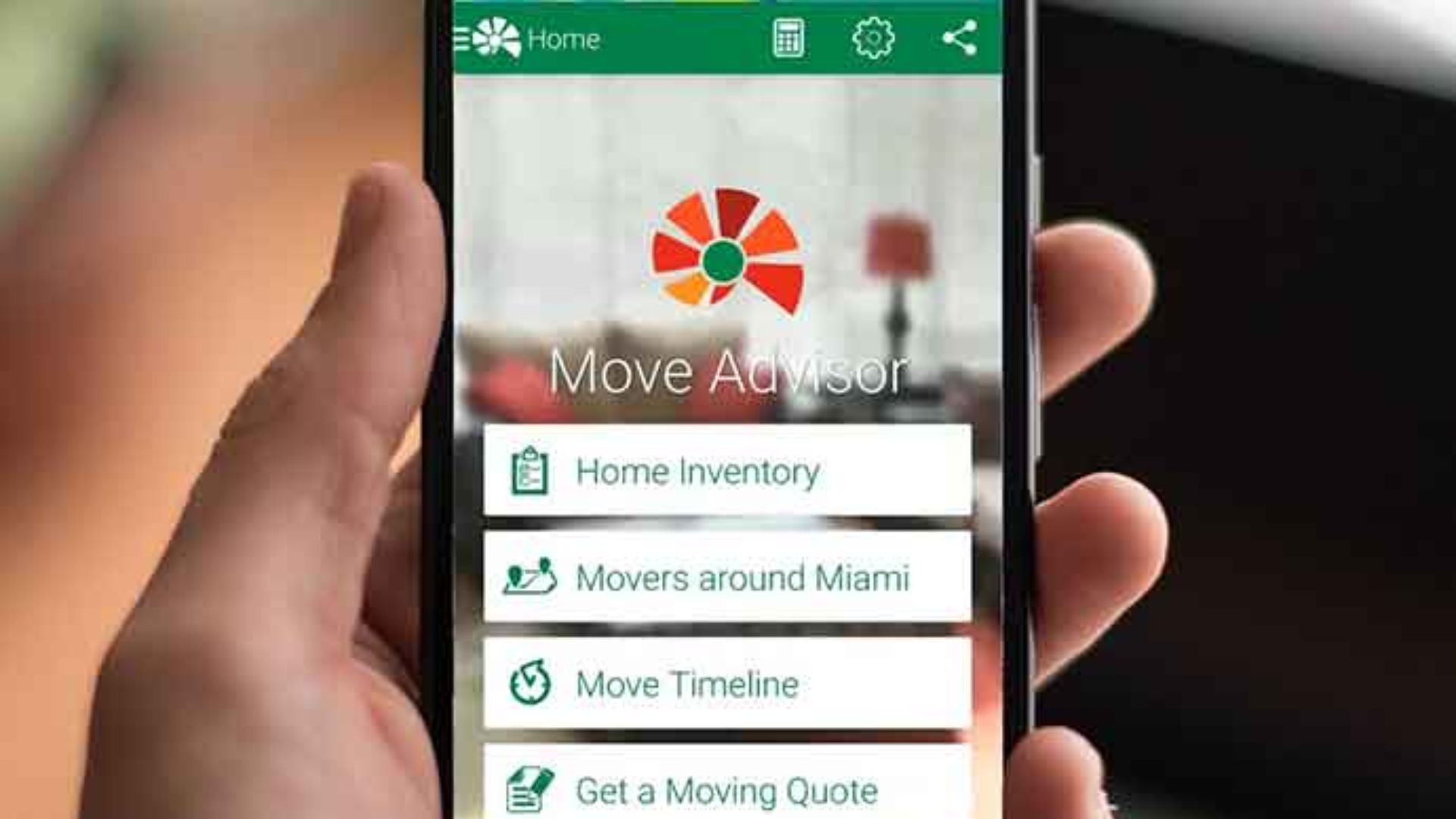
Available on: iOS and Android
Pricing: Free plan available; premium options offered
Finding an apartment in a competitive housing market often feels like running a sales pipeline.
You view listings.
You submit applications.
You gather documents.
You follow up.
You repeat the process until something finally sticks.
That's exactly why Trello works so well.
Trello organizes projects visually using boards, lists, and cards.
For apartment hunting, each property can become its own card.
Inside that card, you can store application documents, landlord notes, income verification paperwork, viewing schedules, rent comparisons, and follow-up reminders.
The visual format makes it surprisingly easy to track multiple opportunities at once.
Imagine having separate columns for:
Properties to Research
Tours Scheduled
Applications Submitted
Waiting for Response
Lease Negotiation
Signed Lease
As opportunities move through the process, you simply drag them to the next stage.
It's simple. Visual. Effective.
And when apartment listings disappear within hours—as they often do in major cities—that level of visibility becomes incredibly valuable.
Excellent for tracking apartment searches
Visual workflow makes progress easy to understand
Generous free plan
Easy checklist duplication across multiple properties
Strong collaboration features for couples and roommates
Mobile boards can feel crowded on smaller screens
Some advanced automation and calendar tools require paid upgrades

A successful move to a high-cost city isn't really about packing.
It's about managing hundreds of details at the same time without losing track of what matters.
For overall organization, Todoist remains the strongest choice. It creates structure, keeps deadlines visible, and turns a complicated relocation into a series of manageable tasks.
BoxBuddy shines once the packing begins, helping you keep track of your belongings when every box starts looking the same.
And if apartment hunting is your biggest challenge, Trello provides one of the clearest ways to manage multiple listings, applications, and landlord conversations simultaneously.
Used together, these tools cover nearly every stage of the relocation journey—from securing a lease to unpacking the final box.
Because when you're moving into one of the country's most competitive housing markets, staying organized isn't just helpful.
It can save you time, money, and a lot of unnecessary stress.