

For many of us, a home library is more than a collection of paper and ink—it’s a curated archive of our intellectual life. Whether it’s the thrill of discovering a rare first edition or the comfort of knowing your favorite novels are at hand, the experience of a well-maintained library is hard to beat. But once your collection surpasses a few hundred volumes, keeping track of everything becomes a serious challenge. Books get lost, shelf order breaks down, and locating a specific reference can feel impossible.
Digital library management tools have come a long way. In 2026, there are apps that make it possible to catalog thousands of volumes, manage loans, and even track the minutiae of editions, printings, and ISBNs—all from your phone or tablet. We tested the top apps based on three criteria: accuracy of barcode scanning, cloud-sync capabilities, and the ability to handle large-scale collections without slowing down.
Here’s what we found.
Pricing: Subscription-based (~$1.99/month or $19.99/year)
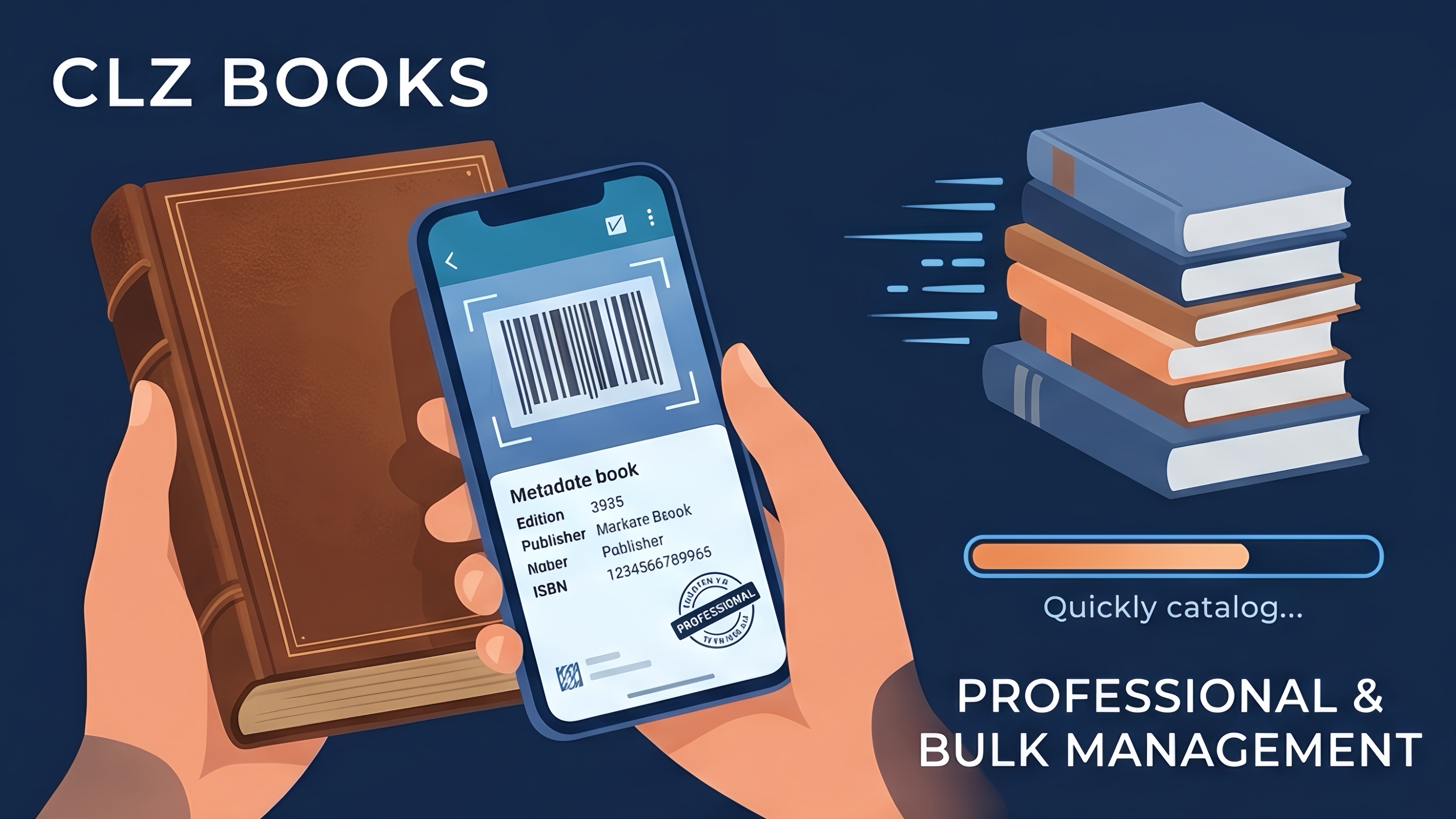
CLZ Books has earned a reputation as the gold standard for serious collectors. From the moment you start scanning barcodes or entering titles manually, it’s clear this app is designed for heavy-duty, professional-grade management.
CLZ Books shines in its database accuracy. By scanning ISBN barcodes—or entering titles manually—the app pulls data from the CLZ Core, which covers a vast range of mainstream and rare books. Even older or out-of-print titles are often recognized, though occasional manual entry is still necessary for pre-ISBN or specialty items.
Bulk editing is a standout feature. Want to categorize all your philosophy books by school of thought or track editions for a long-running series? CLZ Books makes it fast and easy. Its search and filtering capabilities allow you to locate any book in seconds, and cloud sync ensures your catalog is safe and accessible across multiple devices.
Fast, reliable barcode scanning.
Highly customizable tags and collection grouping.
Handles large databases with thousands of entries.
Cloud backup and cross-device syncing.
Subscription required for full features.
Slight learning curve for casual users.
Rarely, very obscure or pre-ISBN books require manual entry.
Pricing: Free basic functionality; subscription tiers for advanced features
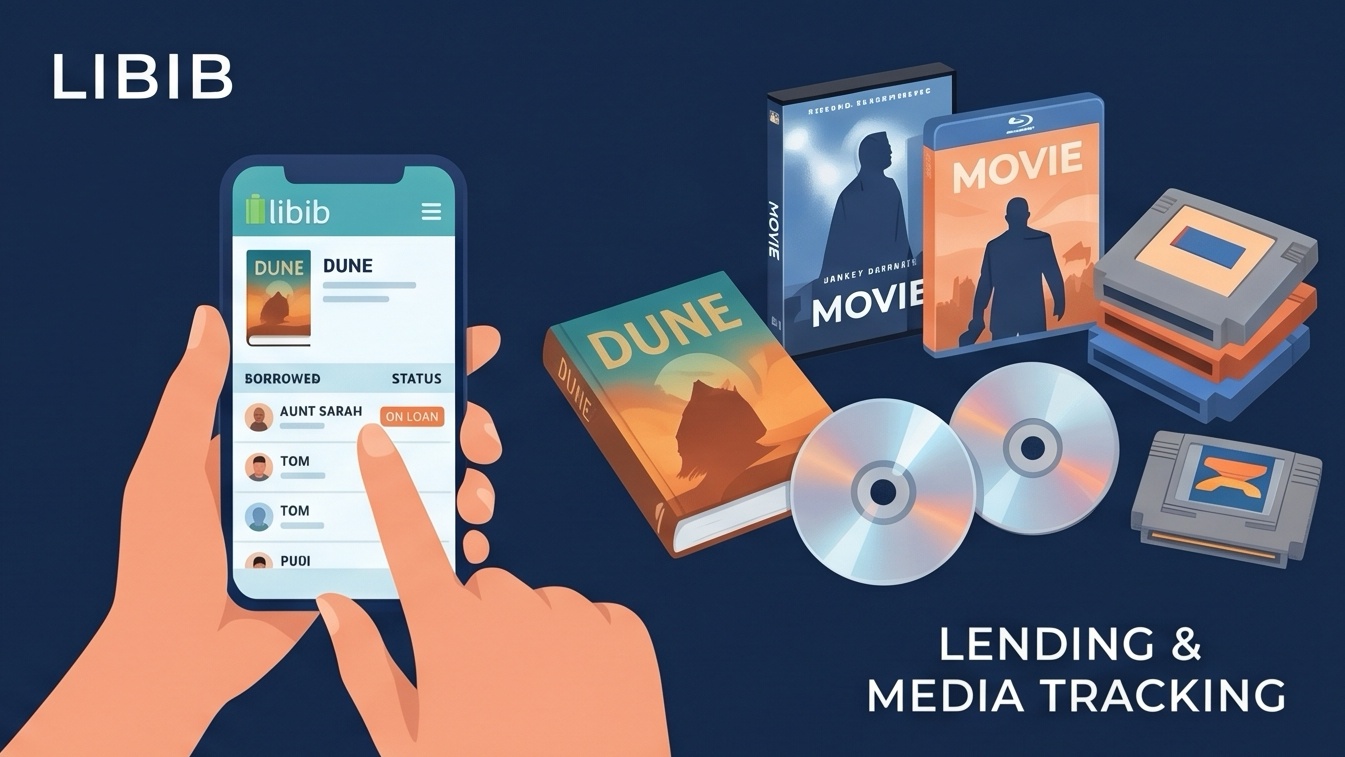
Libib occupies a slightly different niche. It’s ideal for homeowners who lend books to friends, family, or local community groups. The app also supports cataloging movies, music, and video games, making it a versatile media organizer.
Libib is straightforward and highly functional. Scanning books into collections is quick, and tracking borrowed items is intuitive. During our testing, we found it particularly useful for mid-sized libraries—think hundreds rather than thousands of volumes—where circulation and organization matter most.
Its clean, admin-focused interface avoids unnecessary frills, which is a plus if you want to maintain control without distraction. The main tradeoff is that it doesn’t offer the deep archival features of CLZ Books—no bulk metadata editing or detailed edition tracking—but for everyday management, it gets the job done.
Excellent loan tracking for books and other media.
Clean, intuitive interface.
Supports multiple media types (books, movies, music).
Lacks advanced archival tools for large-scale collectors.
Visual design is functional rather than decorative.
May not be ideal for rare or highly specialized collections.
Pricing: Free core app; premium memberships available for expanded catalog limits
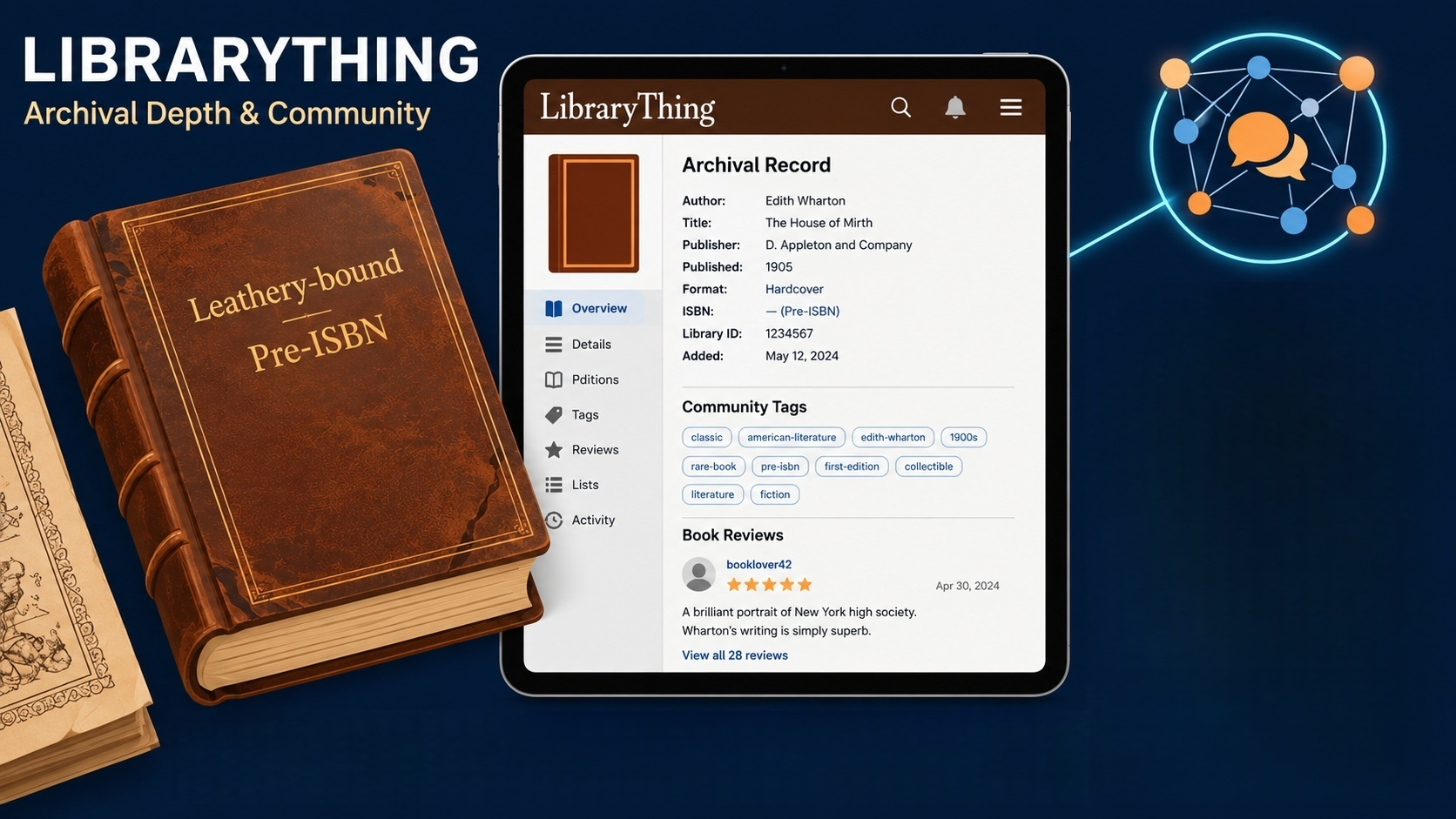
LibraryThing has been around for nearly two decades and remains one of the most comprehensive tools for archiving literary collections. Unlike apps focused on management, it emphasizes documentation and discovery.
LibraryThing connects to over 65 million library records and Amazon’s database, making it particularly valuable for older or rare books that other apps struggle to identify. For collectors of pre-barcode editions, antique prints, or specialized academic volumes, it provides detailed metadata and flexible manual entry options.
Another advantage is the community aspect. Users can share collections, get recommendations, and access user-submitted tags and reviews, adding a layer of engagement absent in purely administrative apps.
Massive, reliable database for obscure and rare titles.
Strong archival features for detailed edition tracking.
Large, established user community for support and inspiration.
Mobile app interface feels dated.
Some advanced sorting and cataloging features are easier on the web.
Less focused on day-to-day library circulation.
Start small and build: Even if you have thousands of books, begin by scanning your most valuable or frequently used volumes.
Use multiple apps if needed: Heavy collectors may benefit from using CLZ Books for cataloging, Libib for circulation, and LibraryThing for rare or antique works.
Regular updates: Keep your collection synced and back it up regularly to avoid data loss.
Take advantage of tags: Most apps allow custom tagging—genre, reading priority, location—which can make retrieval much easier.
Leverage cloud features: Cloud storage ensures your catalog is accessible across devices and protected from accidental loss.
For serious collectors with thousands of books, CLZ Books is the most powerful and reliable option in 2026. Its subscription cost is offset by speed, bulk-editing capabilities, and professional-grade database reliability. If your goal is to streamline management and reduce hours of manual cataloging, it’s unmatched.
If your primary concern is tracking loans and everyday lending, Libib is the better practical choice. It’s simpler, cleaner, and built to handle circulation efficiently.
For those managing rare, antique, or pre-ISBN books, LibraryThing remains indispensable. Its expansive historical database and community resources make it ideal for archiving and research-oriented collections.
Many serious collectors find a combination approach works best: CLZ Books for bulk management, Libib for lending, and LibraryThing for historical depth. The result is a well-organized library, fewer misplaced volumes, and more time to enjoy the books themselves.
Whether you’re curating a personal reading haven, managing a shared collection, or tracking rare editions, the right app will turn chaos into order—and give you back the joy of simply losing yourself in a good book.