

Anyone who has helped run a volunteer initiative knows the feeling. One conversation happens in email, another in a group chat, schedules live in a spreadsheet somewhere, and somehow the most important update ends up buried under twenty unrelated messages.
For local non-profits and community organizations, the challenge usually isn't a lack of passion. It's coordination. Volunteers are often balancing jobs, family responsibilities, and other commitments, so keeping everyone aligned without creating more work becomes half the battle.
The good news is that you no longer need to rely on endless email chains or scattered text messages. A handful of mobile-first platforms make it much easier to manage projects, track responsibilities, communicate clearly, and keep momentum alive from anywhere.
Here are some of the strongest options currently available on both the U.S. App Store and Google Play.
Many people associate Slack with corporate teams, but it has become just as valuable for nonprofit organizations. When projects involve multiple volunteers, committees, or ongoing initiatives, having one place for communication can make an enormous difference.
The real advantage is the channel system. Instead of one giant conversation where important updates disappear within minutes, you can separate discussions by project, event, fundraising campaign, or volunteer team. Documents, announcements, and decisions stay organized and searchable.
For nonprofits trying to replace endless group texts, Slack often feels like a breath of fresh air.

Free plan available, with paid upgrades for larger teams that need expanded message history and administrative controls.
Excellent real-time communication.
Keeps project conversations organized and easy to follow.
Integrates smoothly with tools like Google Drive and other productivity platforms.
Can become noisy if channels aren't managed thoughtfully.
Free plan limitations may become noticeable for long-running organizations.
Some nonprofit projects are simple. Others involve multiple teams, grant deadlines, community partners, event planning, fundraising milestones, and dozens of moving parts.
That's where Monday.com shines.
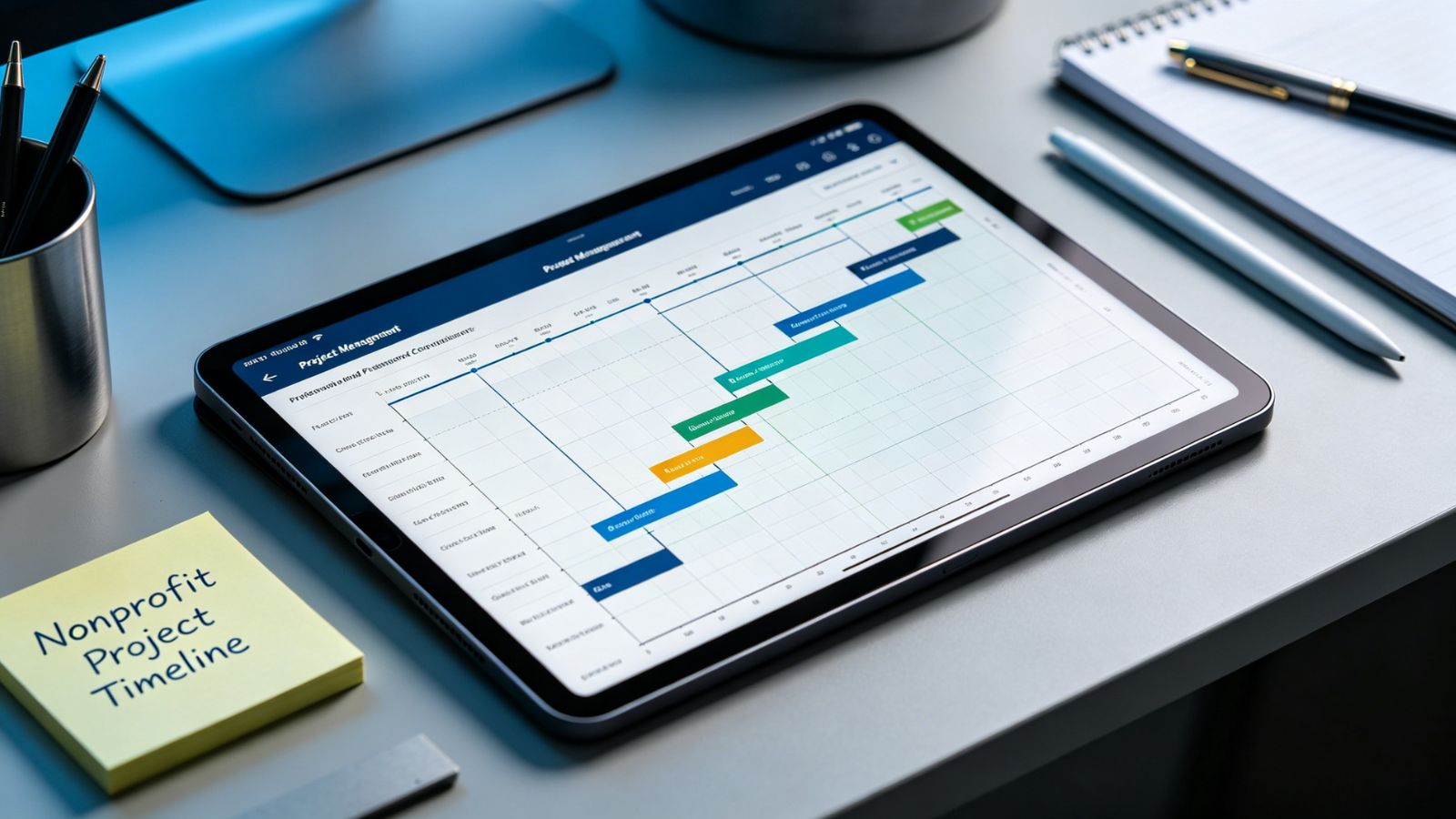
Its visual project boards and timeline views make it easy to see what's happening, who's responsible, and what still needs attention. Instead of constantly asking for updates, leadership teams can glance at a dashboard and understand project status immediately.
For organizations reporting progress to board members, donors, or stakeholders, that visibility can be incredibly valuable.
Free plan available for small teams, with paid plans designed for larger organizations.
Outstanding visibility across complex projects.
Easy-to-understand timelines and progress tracking.
Reduces the need for frequent status meetings.
New users may need time to learn the platform.
Costs can increase as teams grow and require advanced features.
Not every nonprofit needs enterprise-level project management.
Sometimes you just need a simple way to see what needs doing, what's currently underway, and what's already finished.
That's Trello's sweet spot.
Its card-based boards are intuitive enough that most volunteers understand them within minutes. Tasks can be assigned, deadlines added, and progress tracked with a simple drag-and-drop workflow. For community projects run by small teams, that simplicity is often a major advantage.
Less training. Less confusion. More action.
Free, with optional paid upgrades for advanced functionality.
Extremely easy for volunteers to learn.
Visual workflow keeps projects moving.
Strong free plan that works well for many community organizations.
Limited reporting compared to larger project-management platforms.
Boards can become crowded as projects grow in complexity.

Asana strikes a nice balance between simplicity and structure. It gives nonprofit teams detailed task management without feeling overly technical.
Whether you're organizing a fundraising event, managing a volunteer calendar, or coordinating outreach efforts, Asana makes it easy to assign ownership, track deadlines, and monitor progress. Its list views and calendar views are particularly helpful for organizations working on time-sensitive initiatives.
For teams that need more structure than Trello but don't want the complexity of a full enterprise platform, Asana often lands in the sweet spot.
Free plan available for smaller teams.
Clean and polished mobile experience.
Flexible task organization.
Strong deadline and event-management capabilities.
Advanced automation features require paid plans.
May feel more formal than lighter-weight tools like Trello.
If you're running a small community initiative and need something volunteers can start using immediately, Trello is hard to beat. Its visual approach is simple, approachable, and effective.
For larger projects with multiple stakeholders, moving deadlines, and detailed reporting needs, Monday.com offers the most comprehensive project-management experience of the group.
And if communication is the biggest challenge facing your team, Slack remains one of the strongest tools available. Clear conversations, organized channels, and instant updates can eliminate a surprising amount of friction, allowing volunteers to spend less time searching for information and more time making an impact in their communities.